11Case study
Sample projectOpen Form
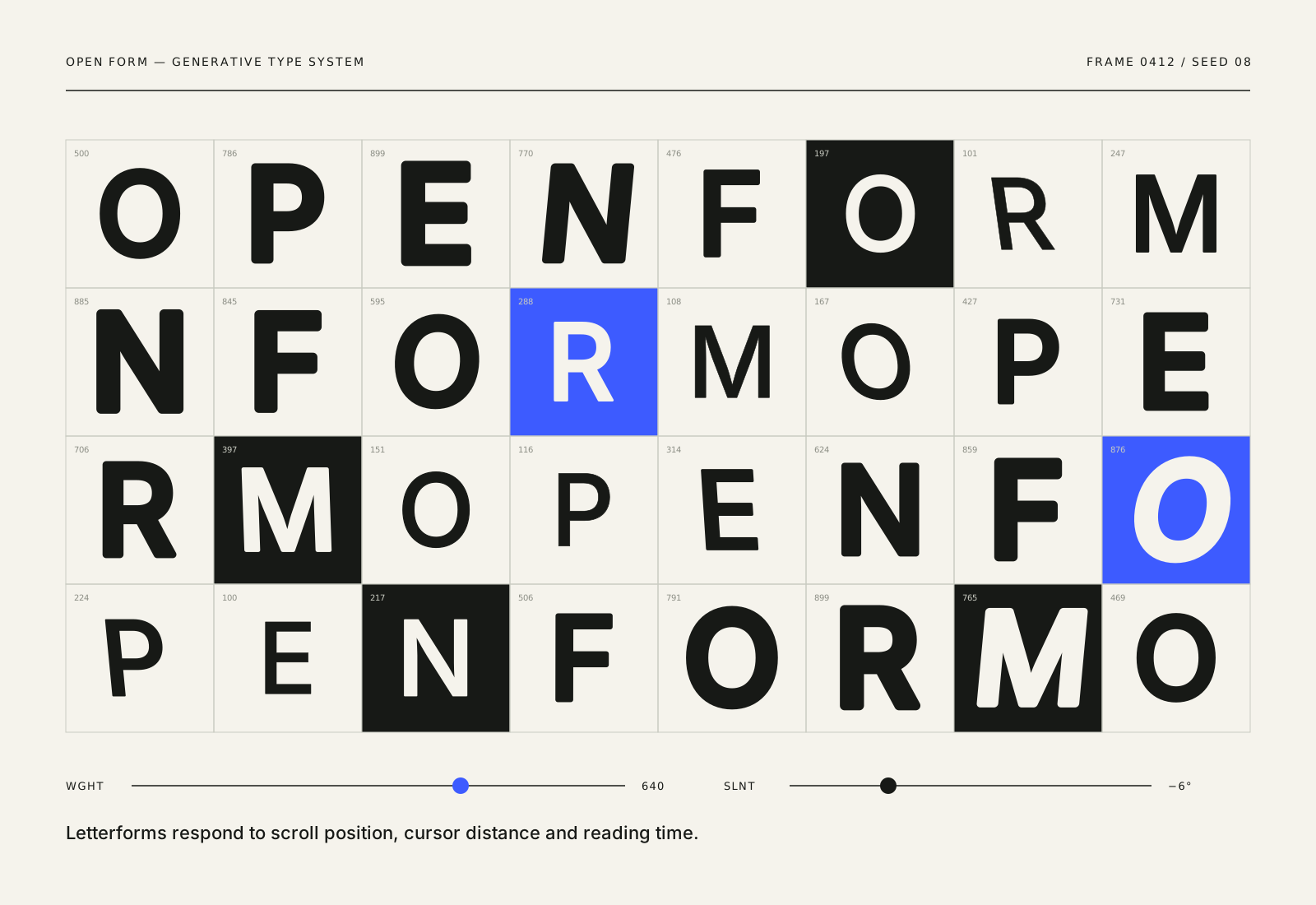
A website for an imagined creative technology lab, with a generative type system that reshapes itself as you read.
- Discipline
- Website
- Sector
- Creative technology
- Year
- 2026
- Services
- Digital, Typography, Creative Code
Overview
Open Form is a fictional lab that builds installations, tools and experiments at the edge of design and code. Their work is hard to explain in a sentence, so their website needed to show their thinking, not just their outputs.
We designed and built a website where typography responds to the reader, with an archive of experiments and a clear route to working together.
Challenge
Creative technology sites often become experiments themselves: impressive but slow, confusing and inaccessible. Open Form wanted to feel alive without making visitors work to find basic information.
The archive also needed to hold very different kinds of work, from a two-day prototype to a year-long installation, without making the small things look minor or the big things overwhelming.
Creative approach
- 01
Type that moves with purpose
Headlines use a variable typeface whose weight and width shift gently with scroll position. The motion is subtle, never blocks reading and turns off entirely when a visitor prefers reduced motion.
- 02
A modular archive
Each experiment is a module on a flexible grid. Size reflects how much there is to show, not how important the project is, and every module shares the same metadata: year, tools, duration and status.
- 03
Plain content underneath
Underneath the type system, the site is calm and conventional: clear navigation, readable body text and fast pages. The experiment sits on top of a solid foundation.
- 04
Built to be edited
New experiments can be added from a simple content file. The generative type adapts automatically, so the site keeps its character without needing a designer for every update.


Deliverables
- Website strategy and structure
- Generative typography system
- Interface and archive design
- Front-end development
- Motion and accessibility guidelines
- Content editing workflow
Timeline
Weeks 1–2
Listen and define
Workshops, archive audit and a simple content model.
Weeks 3–5
Visual idea
Type behaviour prototypes in the browser.
Weeks 6–11
Make and refine
Design and build together, with performance and motion testing.
Week 12
Ship with care
Content entry, handover and editing guide.
Studio roles
- Creative direction
- Interface design
- Creative development
- Typography
Sample project created for the Vortex template. Not real client work.
Related work
All projects →- 03View →
Common Ground
Digital experience / Culture — 2025
- 07
 View →
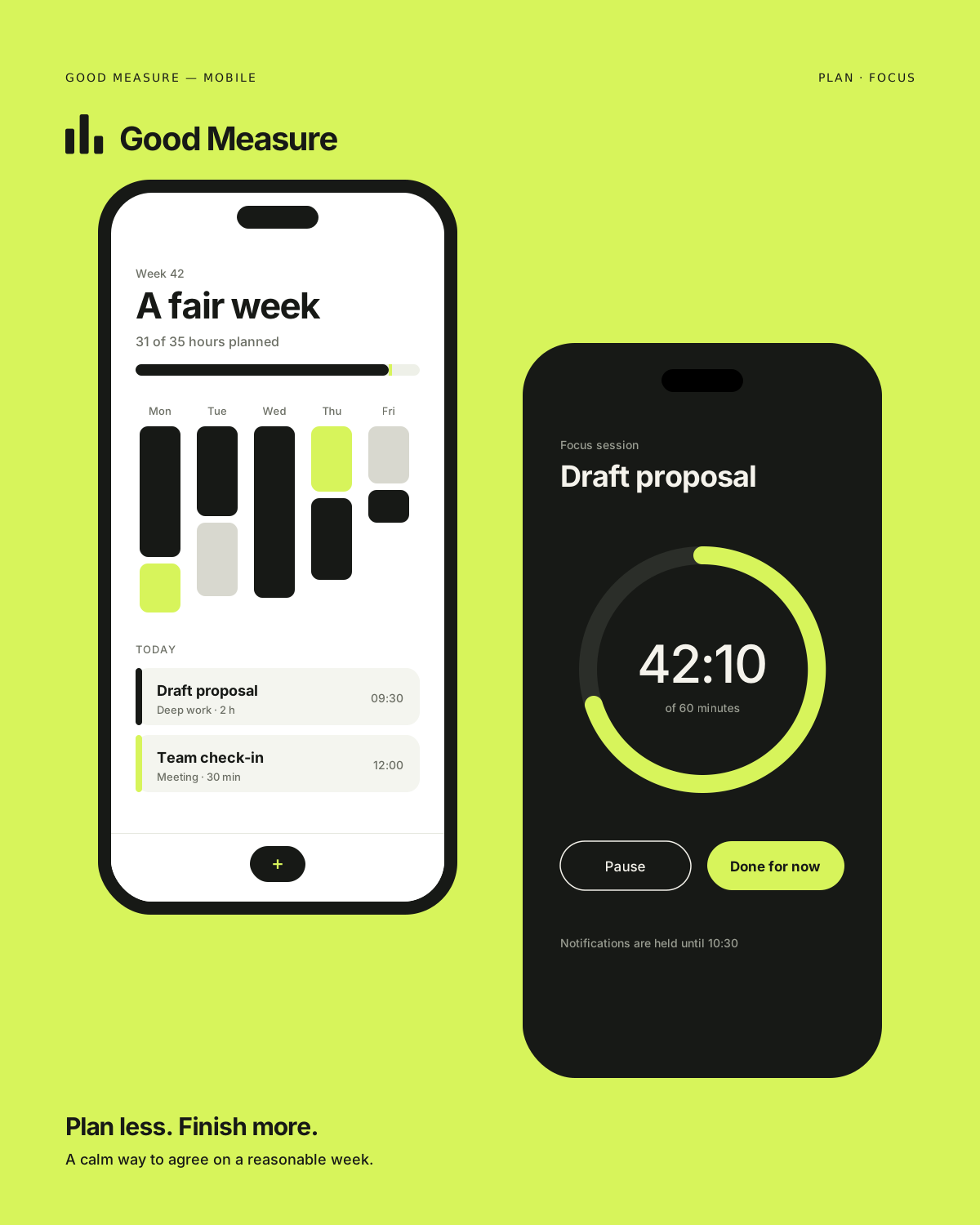
Good Measure
Digital product / Technology — 2026
- 04
 View →
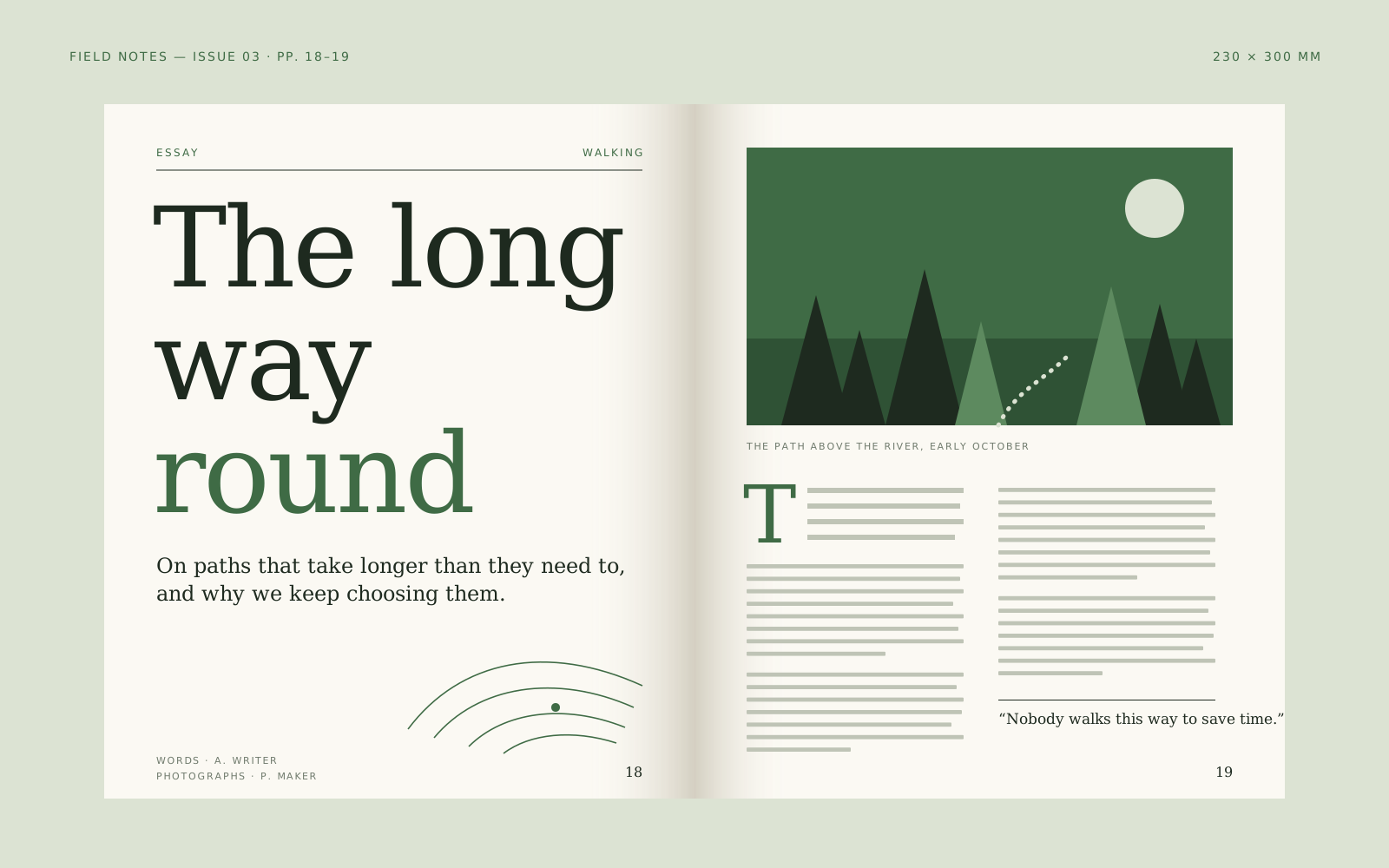
Field Notes
Editorial / Publishing — 2024

Contact
Have a good one in mind?
Tell us what you’re building. We’ll work out the next step together.
Prefer a form? Use the contact page. We usually reply within two working days.